
Create User Account
Introduction
Only photographers are required to create a user account in order to manage and share albums, photos, and links.

Go To Albums
Use the “Manage Albums” link in the top menu or the link below to go to “Sign In” page

Go to Sign Up Page
Go to “Sign Up” Page by clicking the “Sign Up” link at the bottom of the “Sign In” page
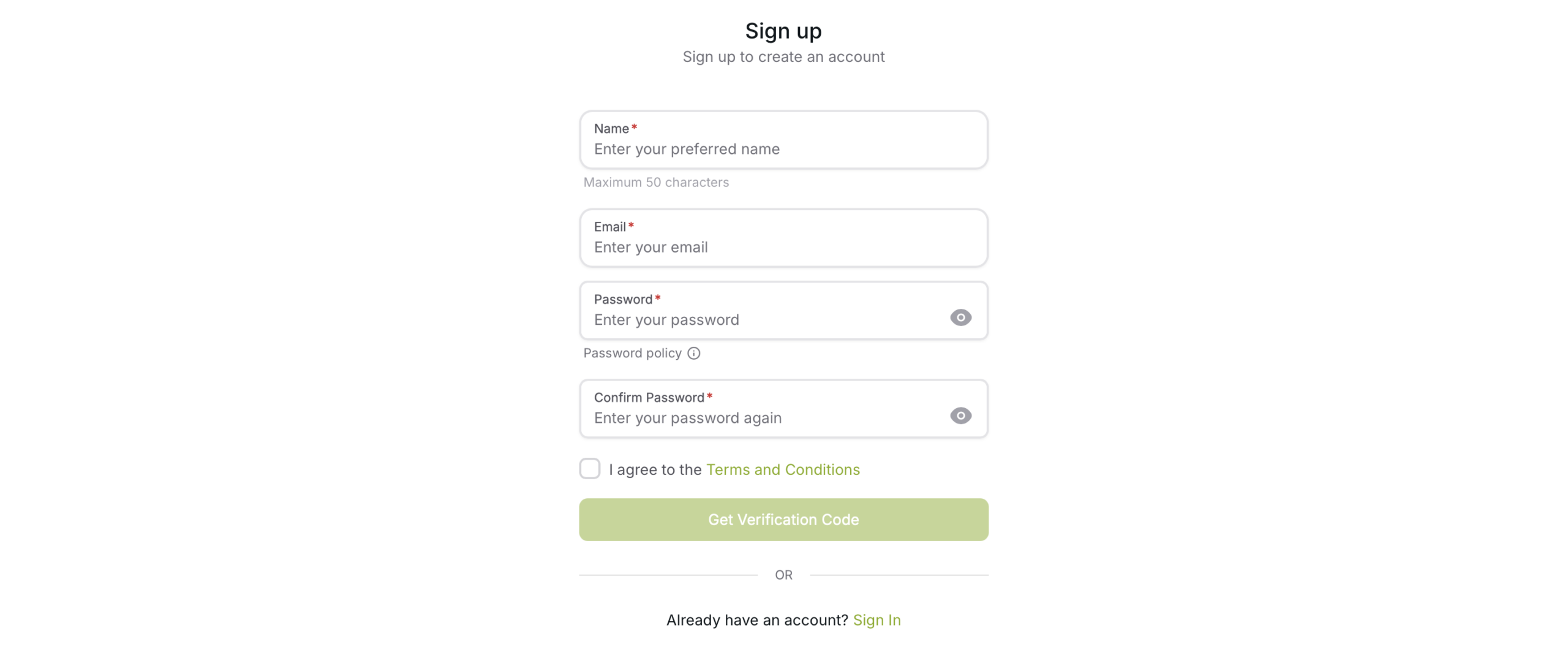
Fill the Form
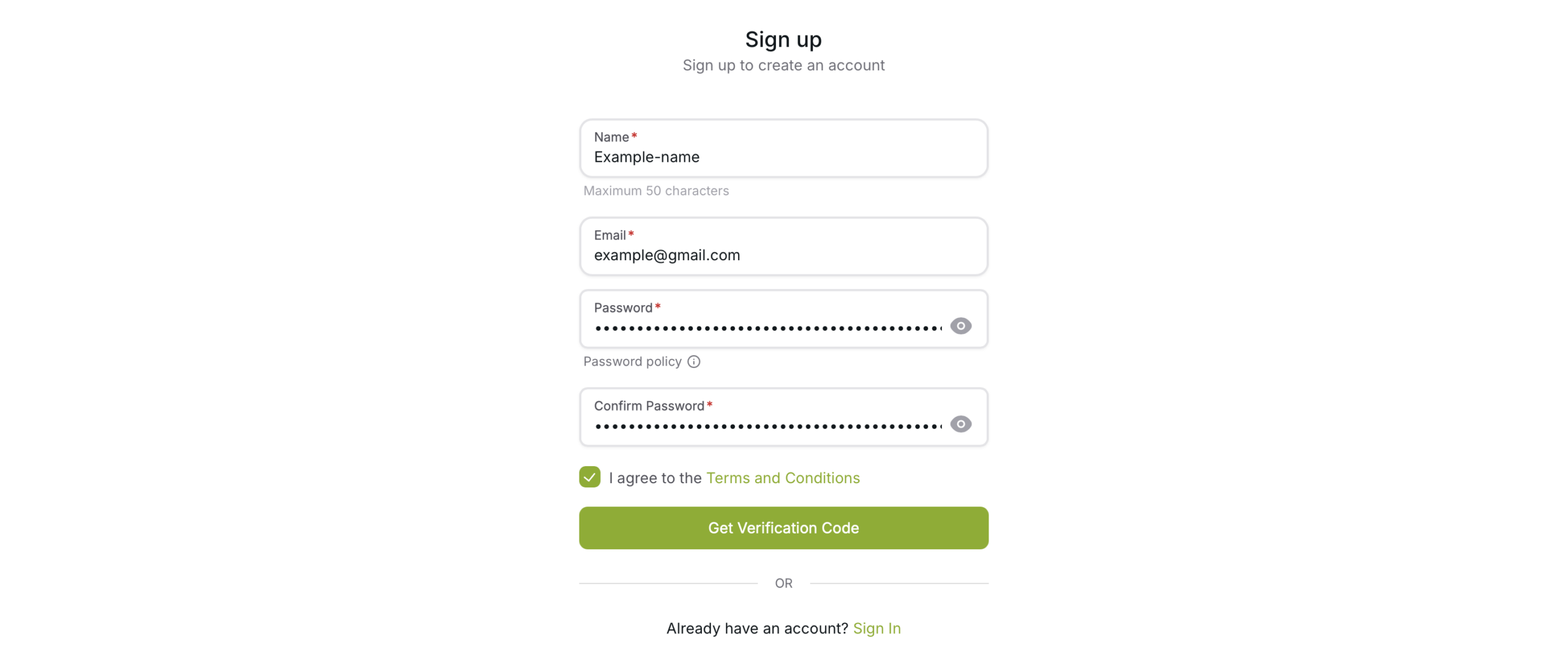
Fill the form
Read the Terms and Condition and tick the box only if you accept the Terms and Condition. You cannot use PhotoTrolley.com services if you do not agree with the Terms and Condition.
Click “Get Verification Code” to get your email verification code
Verify the Email
Verification code was sent to your email, enter the code to get it verified
You are able to login after successfully verifying the email
If the email verification page was closed by accident. Go to “Sign In” page, after successful login, you will be redirected to Email verification page.
You must verify your email address before you can recover your password. If your email has not been verified and you lose your password, the account cannot be recovered.