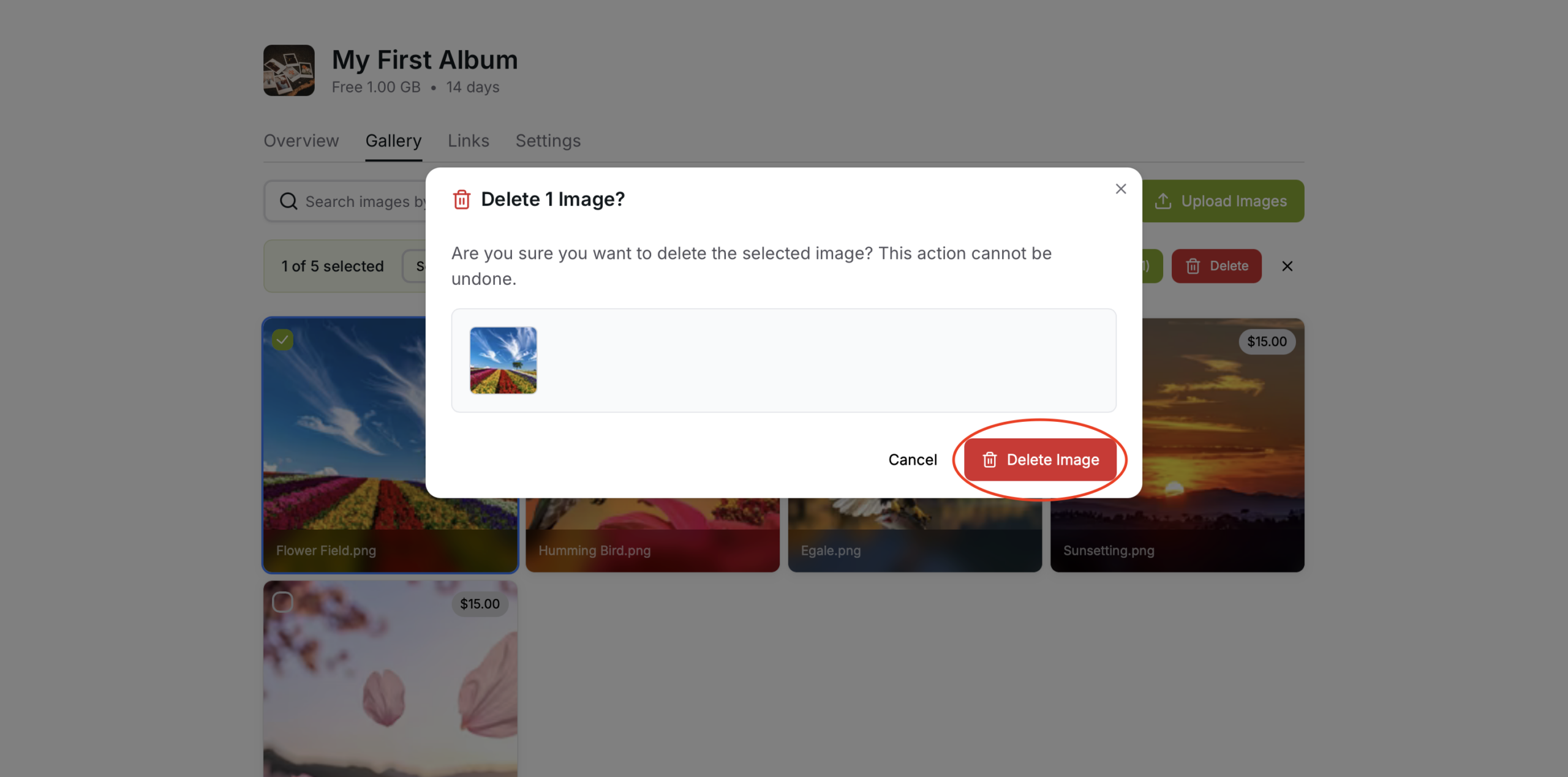
Delete Photos – Manage and Remove Images
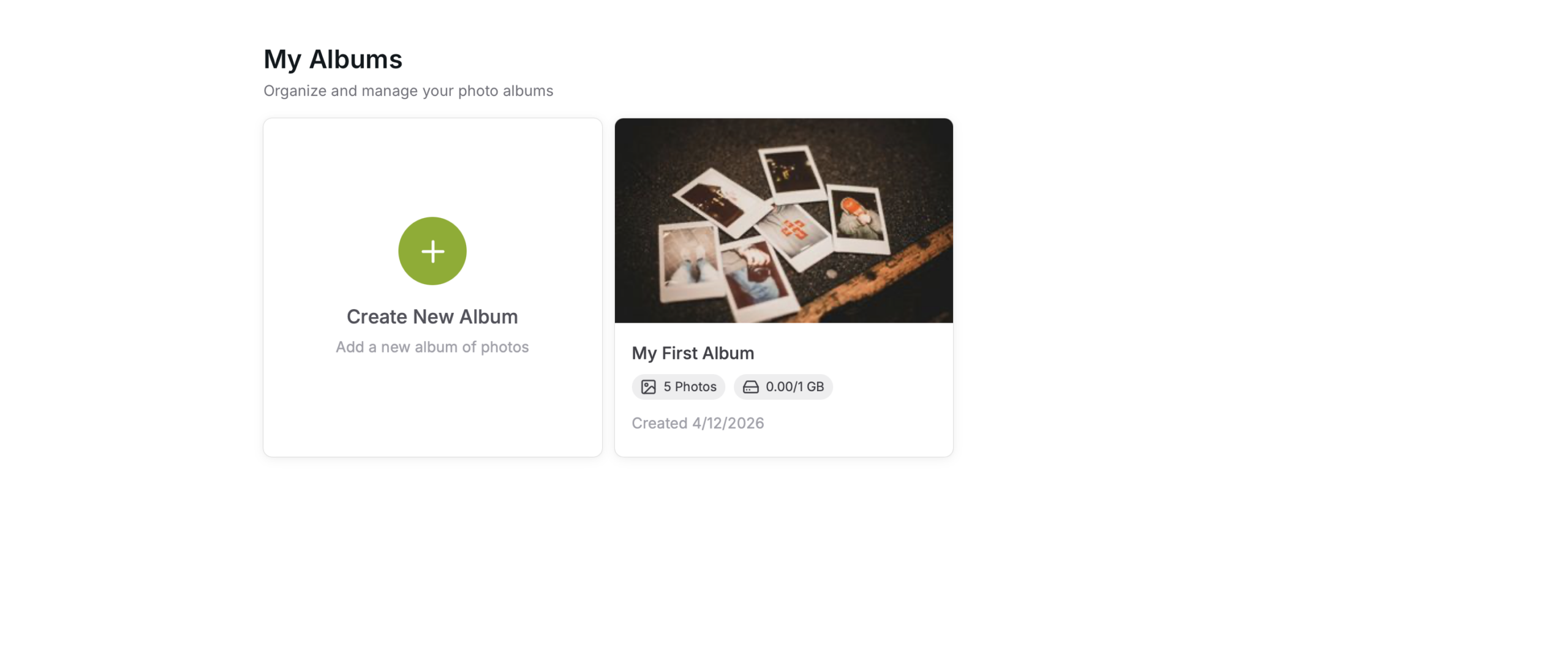
Select Album
Select the Album with the images that you wish to delete
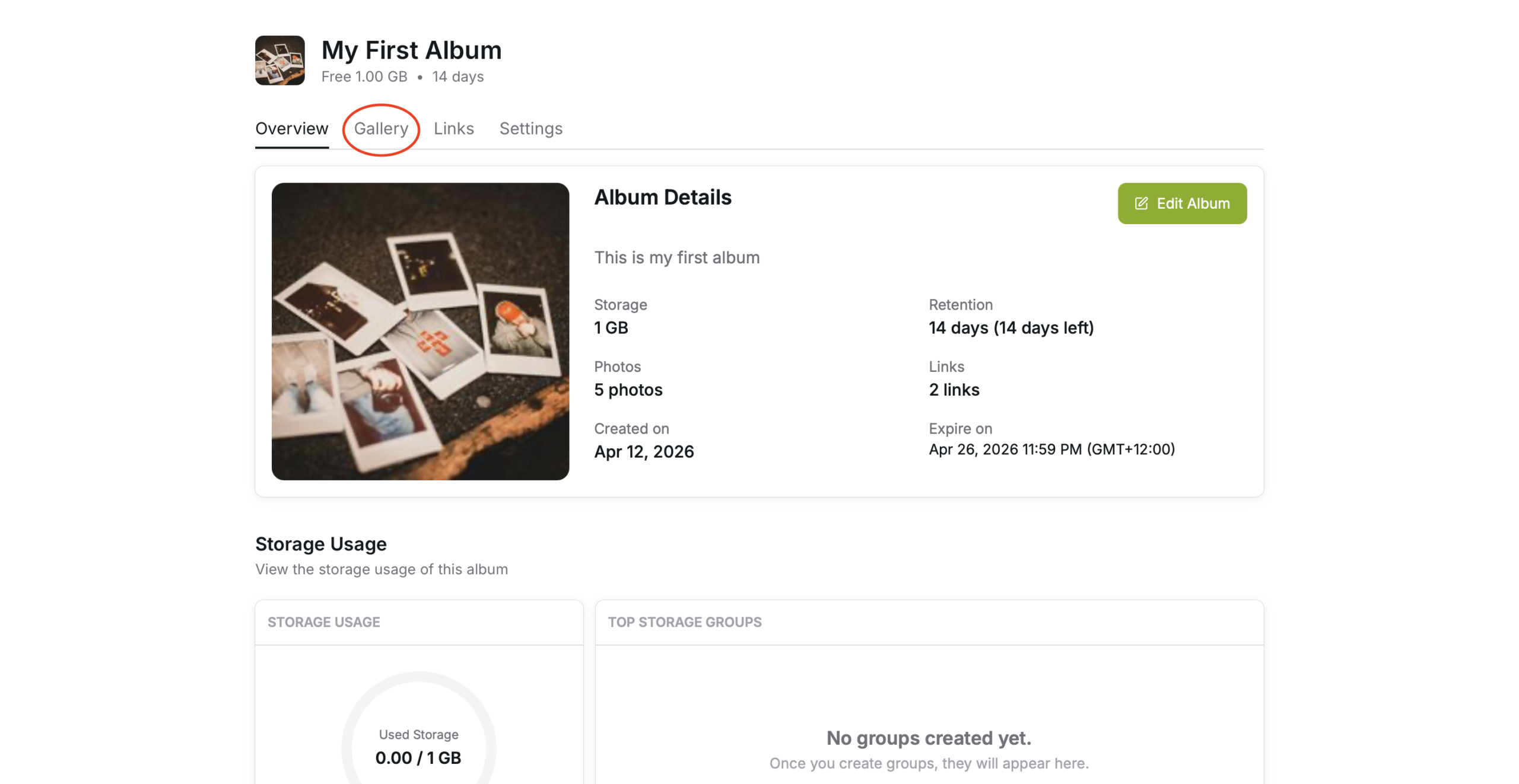
Gallery Tab
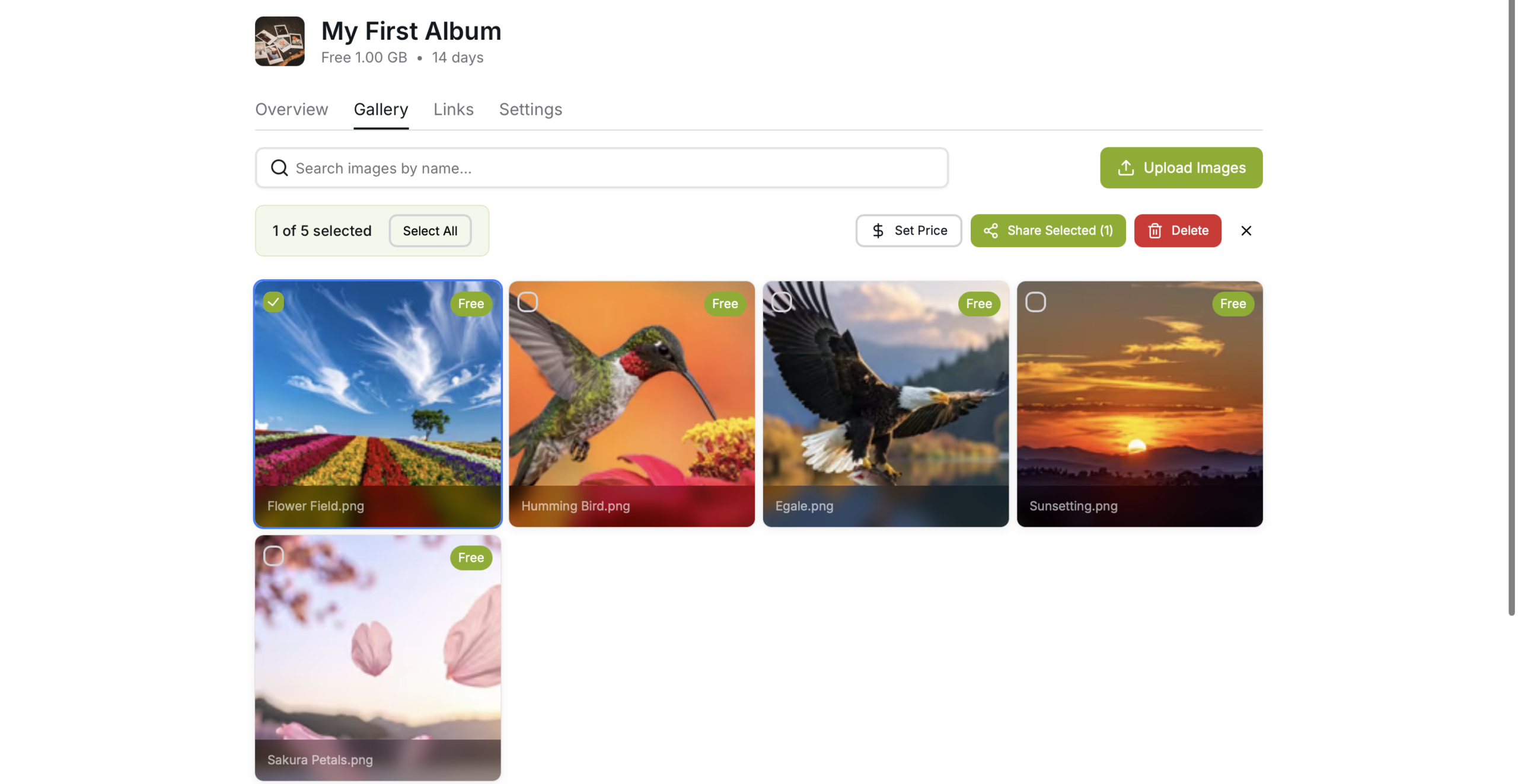
Go to the Gallery Tab by pressing the “Gallery” button
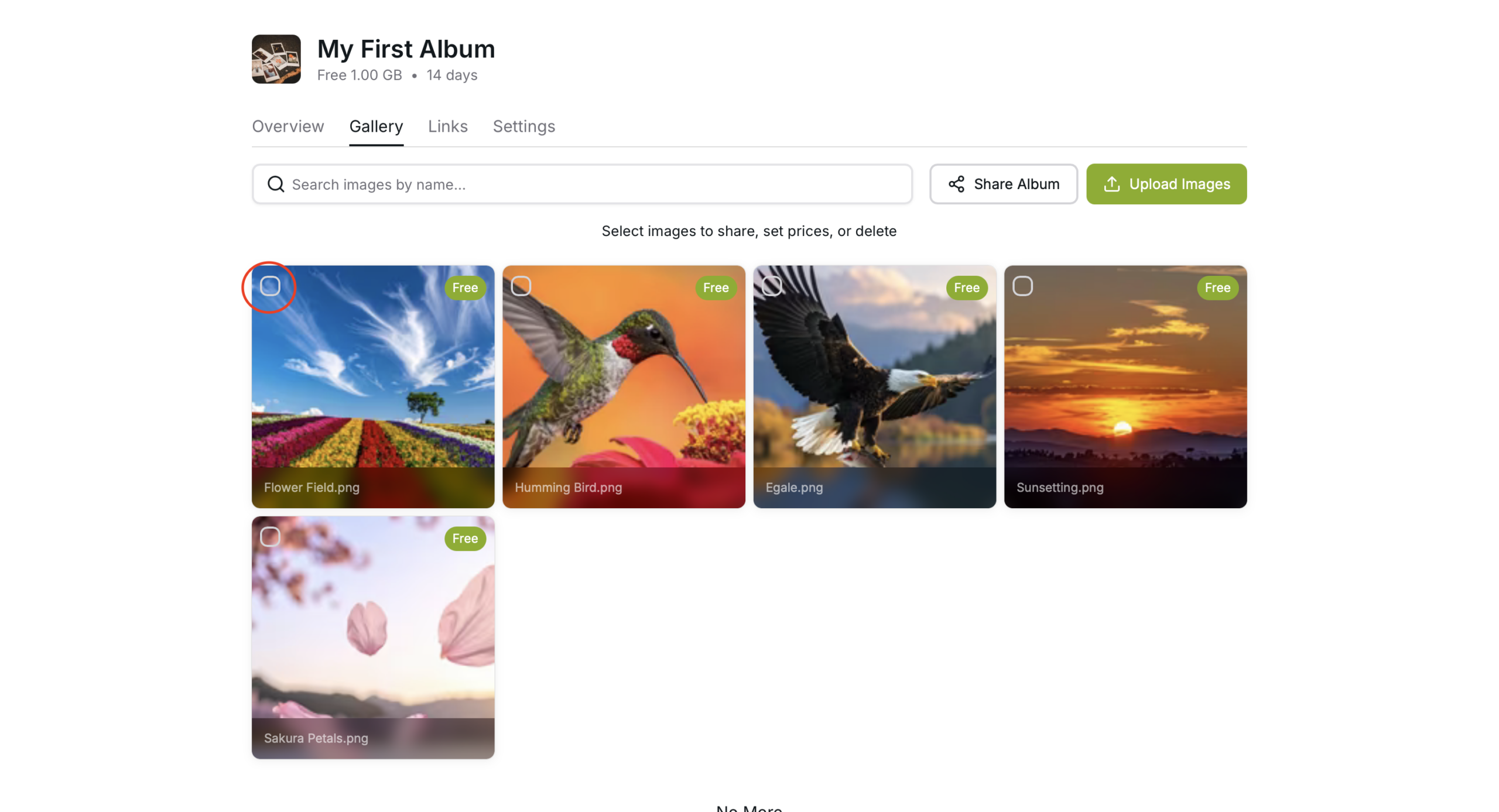
Select the Photos
Select the photos you need to delete
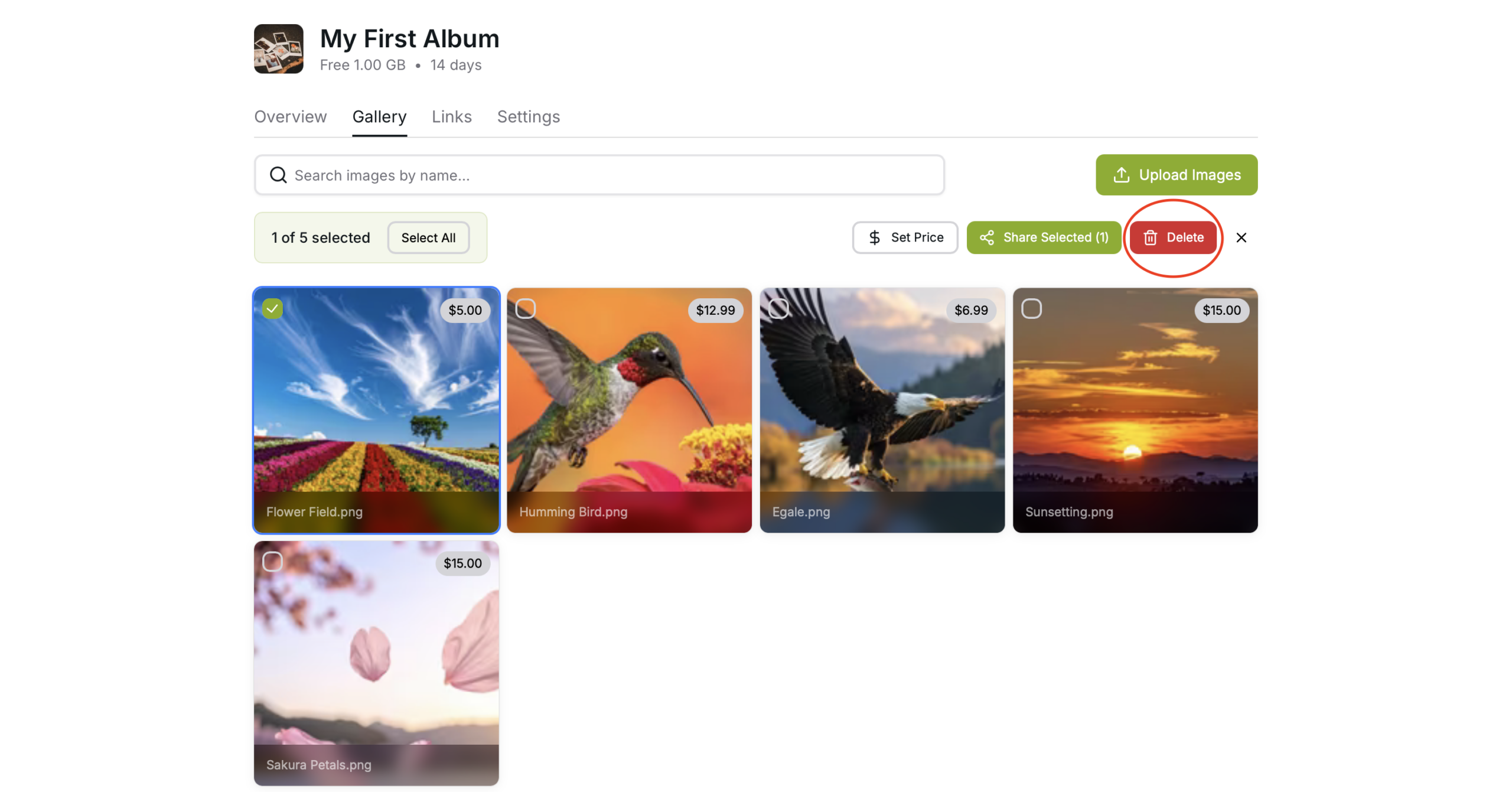
Delete
Use the “Delete Selected” option to delete the photos
This is irreversible action.
Confirm
Confirm the selected photos and click “I understand, delete these photos” to complete the delete process.