Create Album to Start Sharing
Introduction
To share photos you need to create an album first.
Please read “Introduction to Sharing Photos” before continuing.
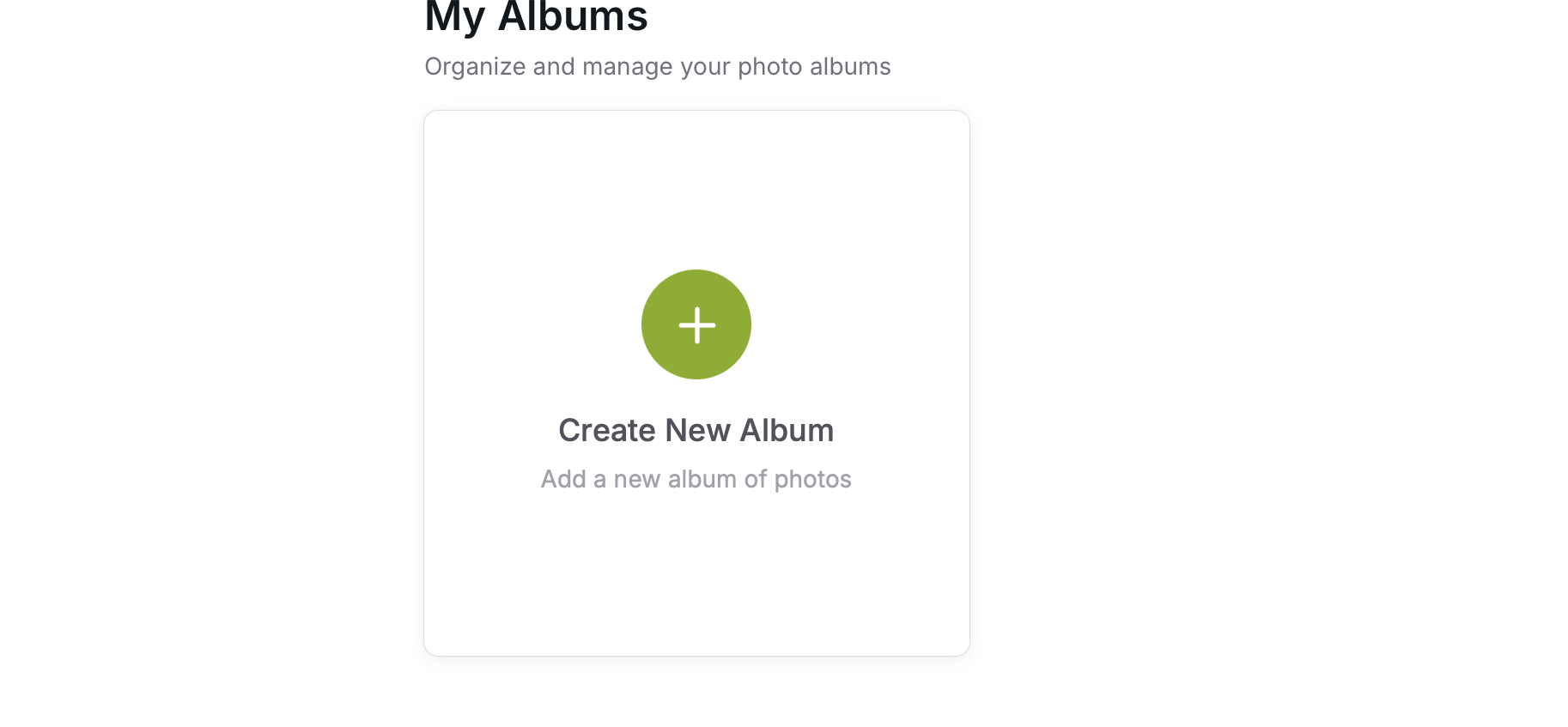
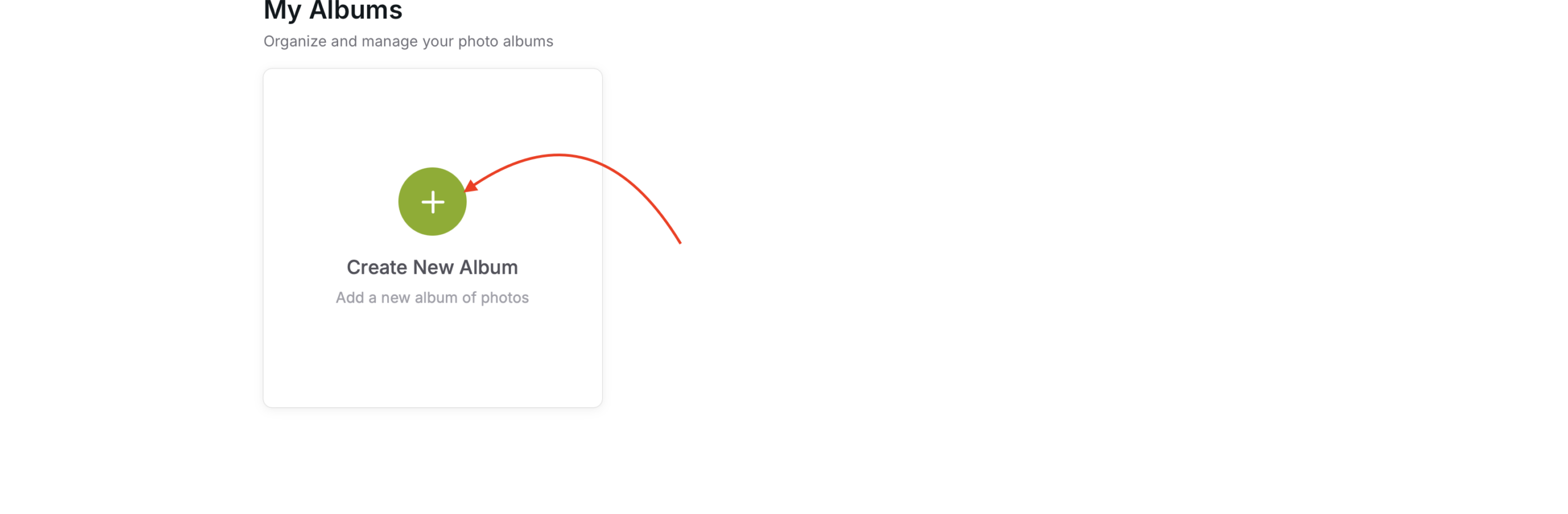
Create Album
Use the create album link from the “Album” page
Secure Space for Your Album
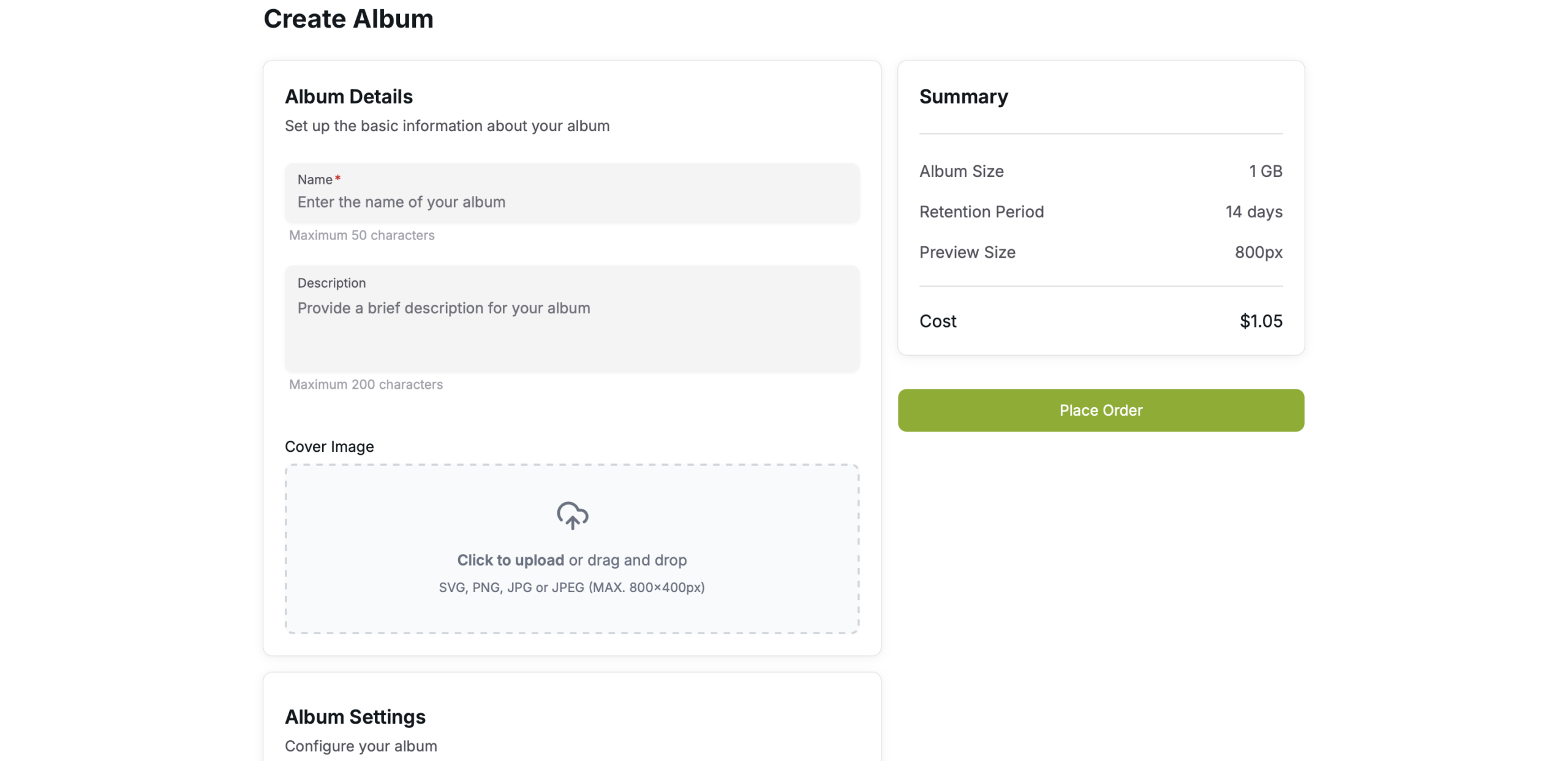
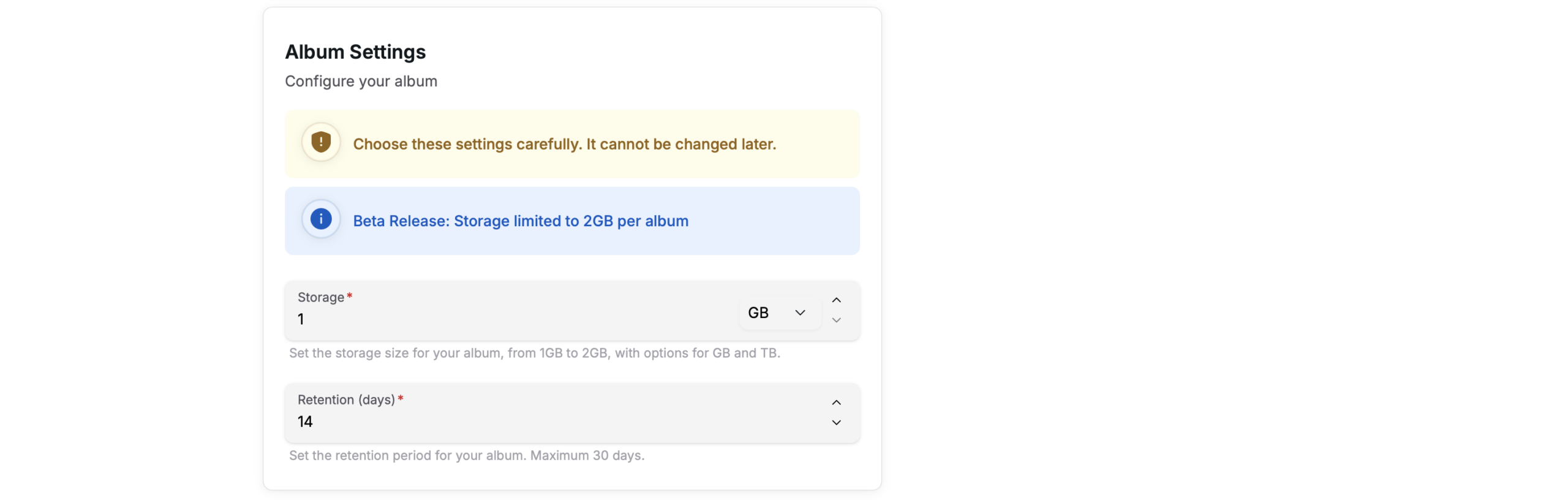
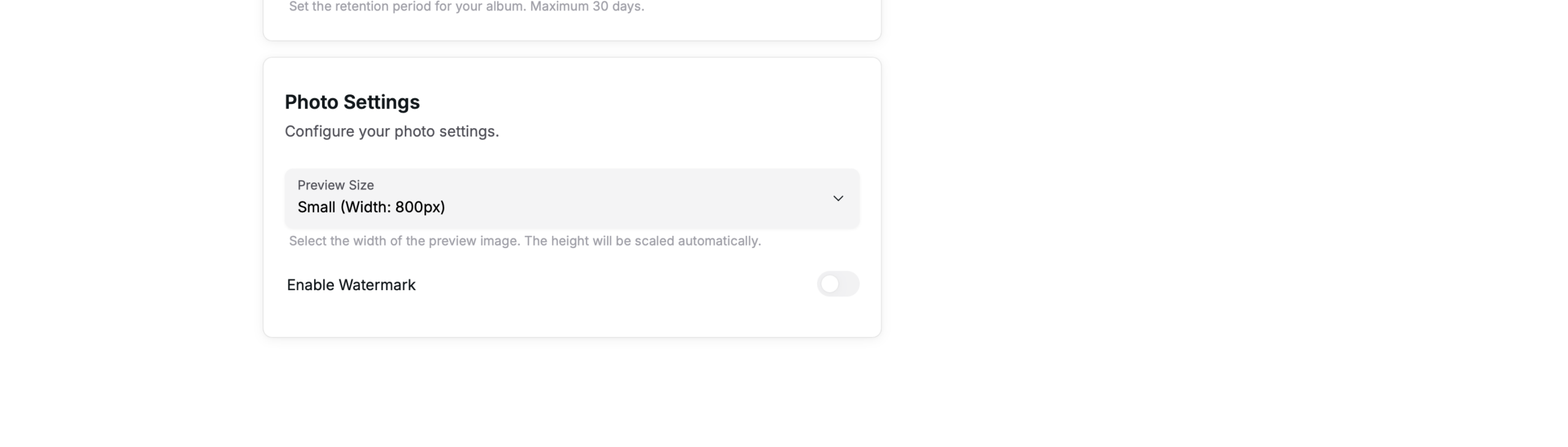
Fill the form and place the order.
You will be able to upload photos to the album after completing the checkout process.
Please note “Storage” and the “Retention (days)” cannot be changed once defined.
Place the Order
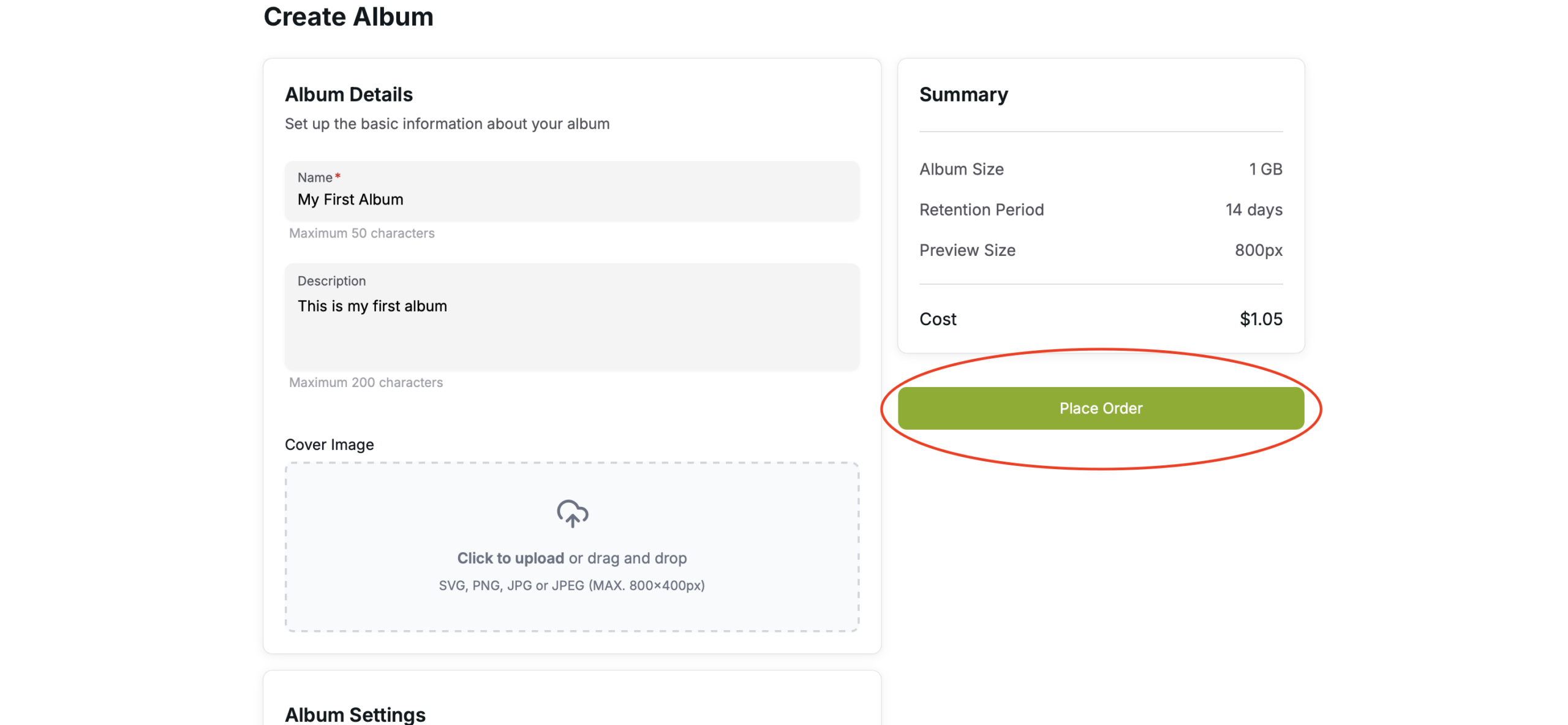
Review the information and place the order (REMEMBER! – After placing the order you CANNOT change neither the storage nor the Retation (Days)).
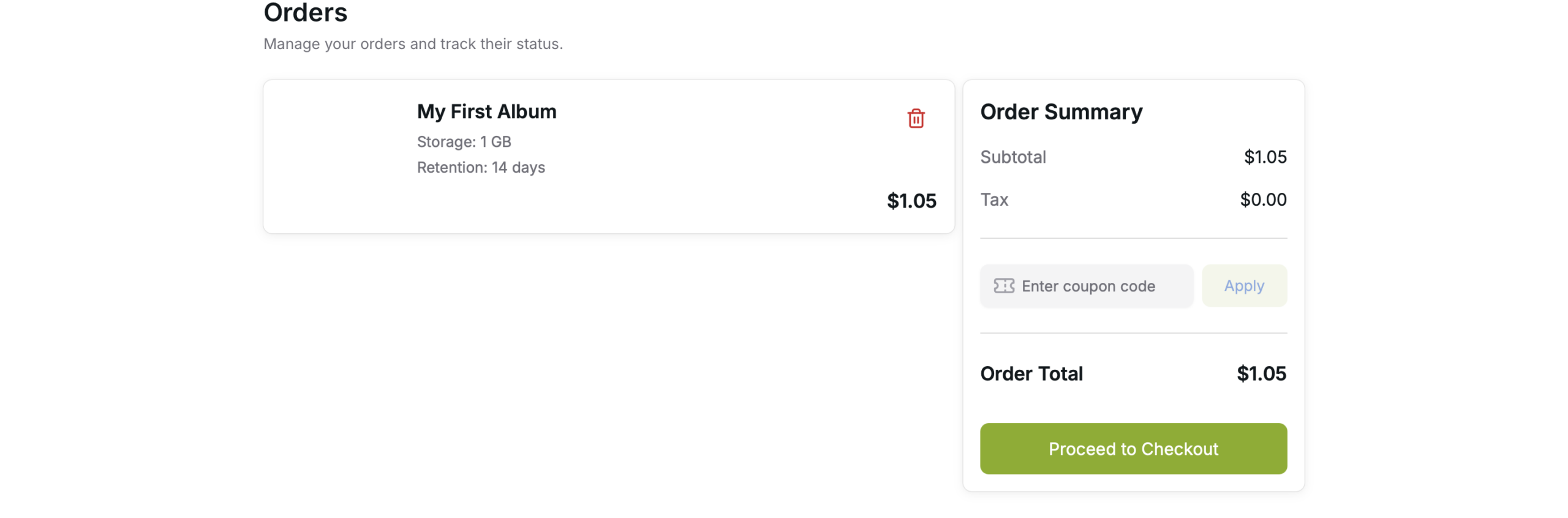
Checkout
After finalizing all orders, go to “My Orders“, to complete the payment and checkout.