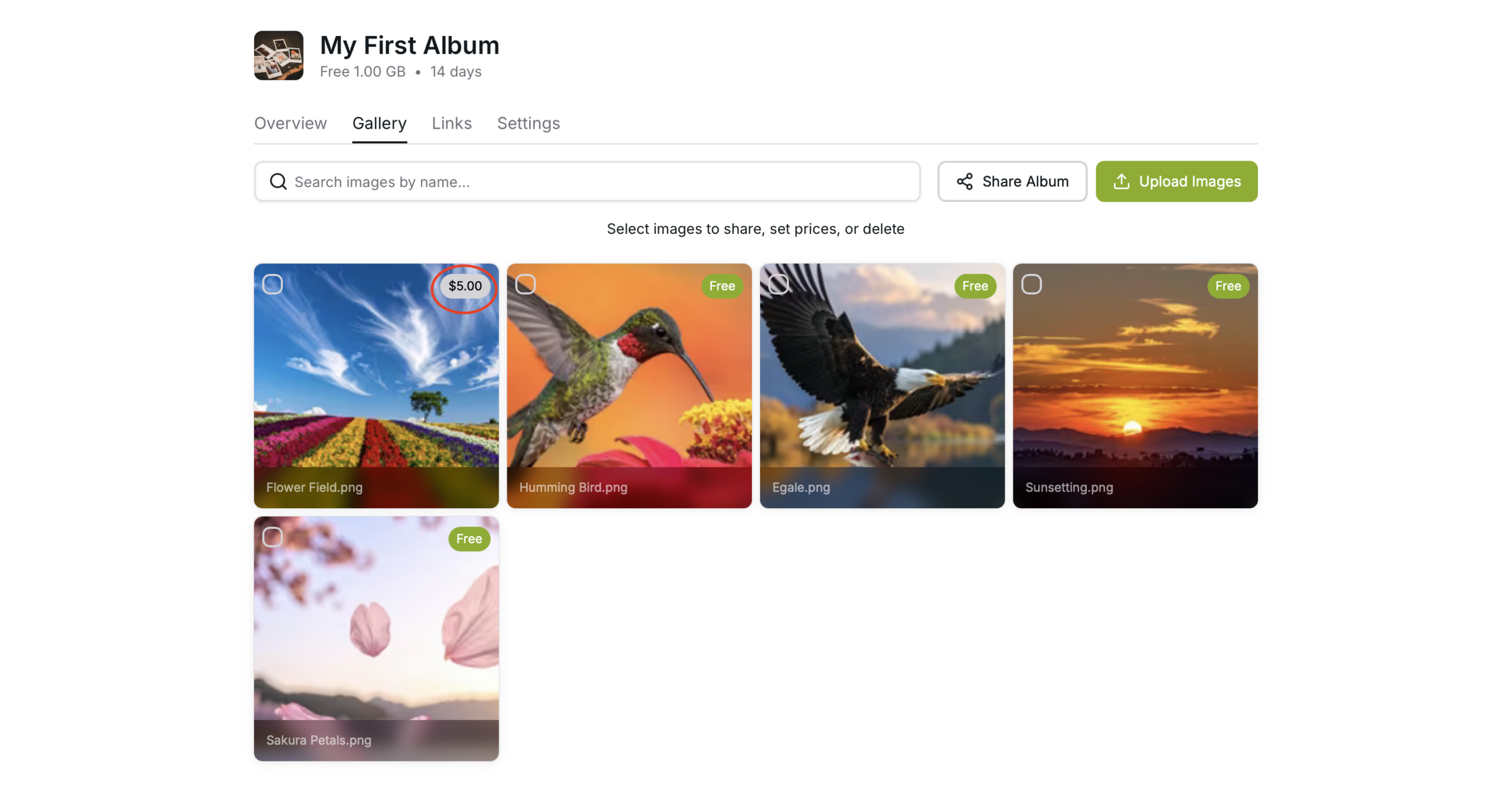
Add/Change Photo Price
Add/Change Photo Prices
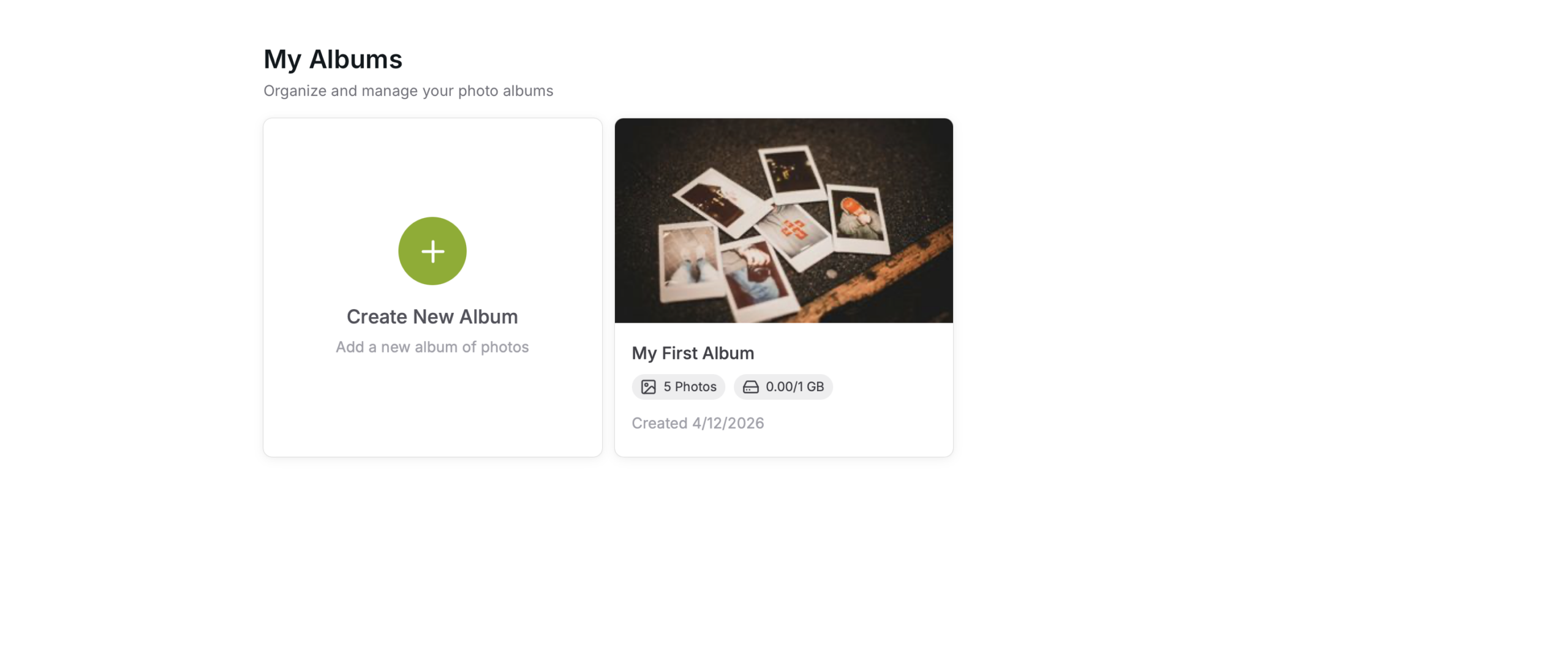
Select the album where you have your image/images
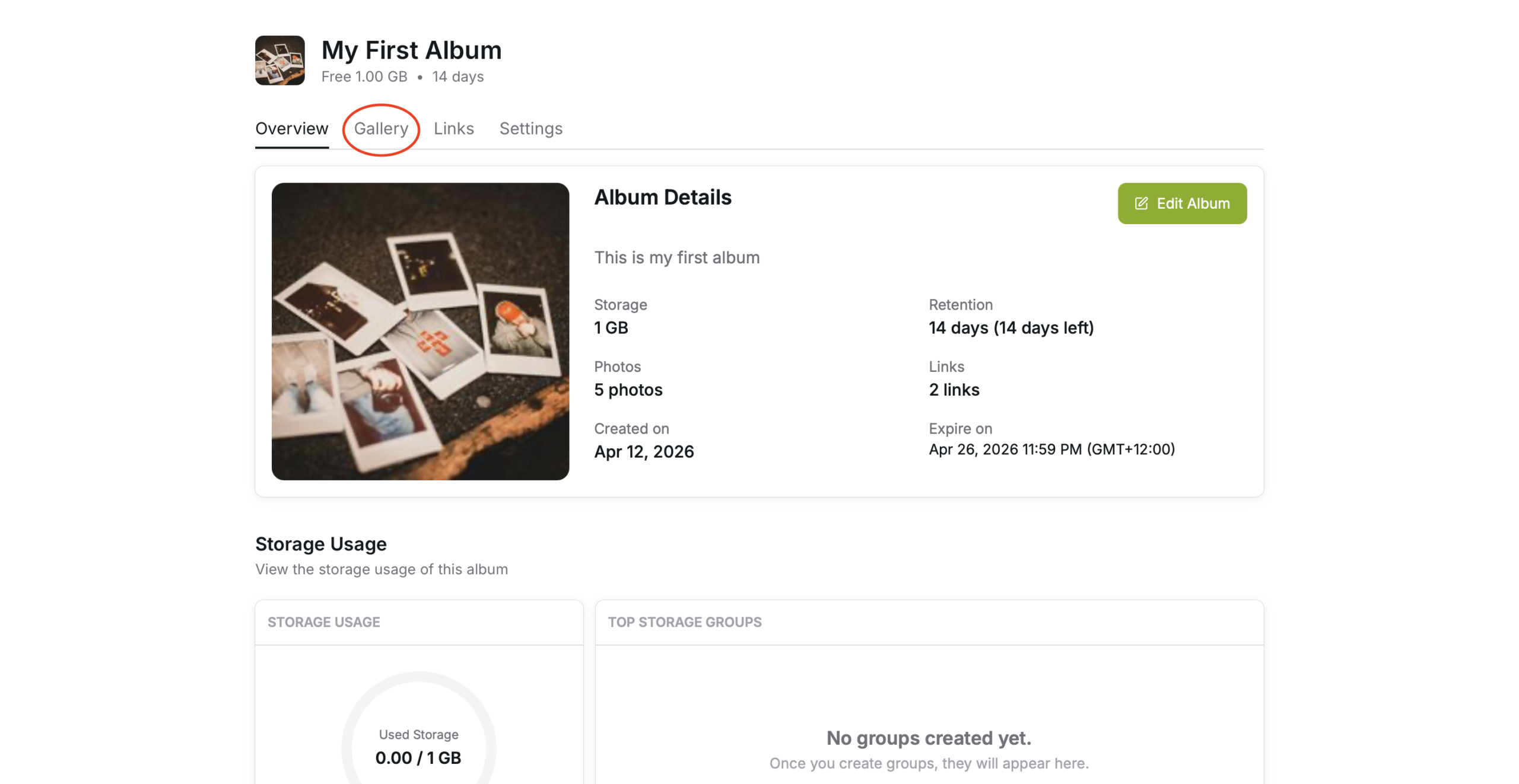
Gallery Tab
Select the “Gallery” tab
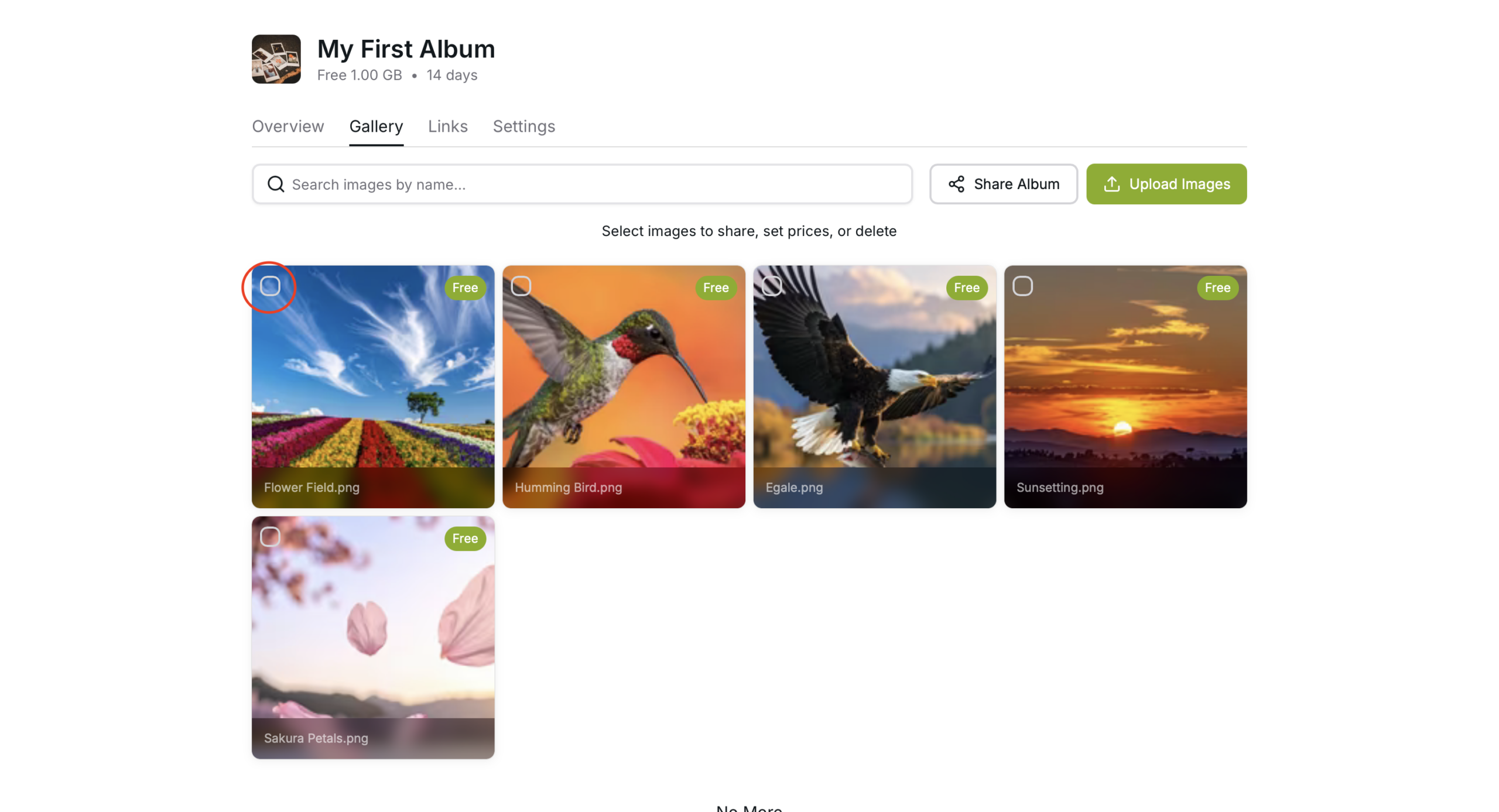
Adding/Changing Price
Select the images that you need to add or change the prices of, by pressing the square next the images
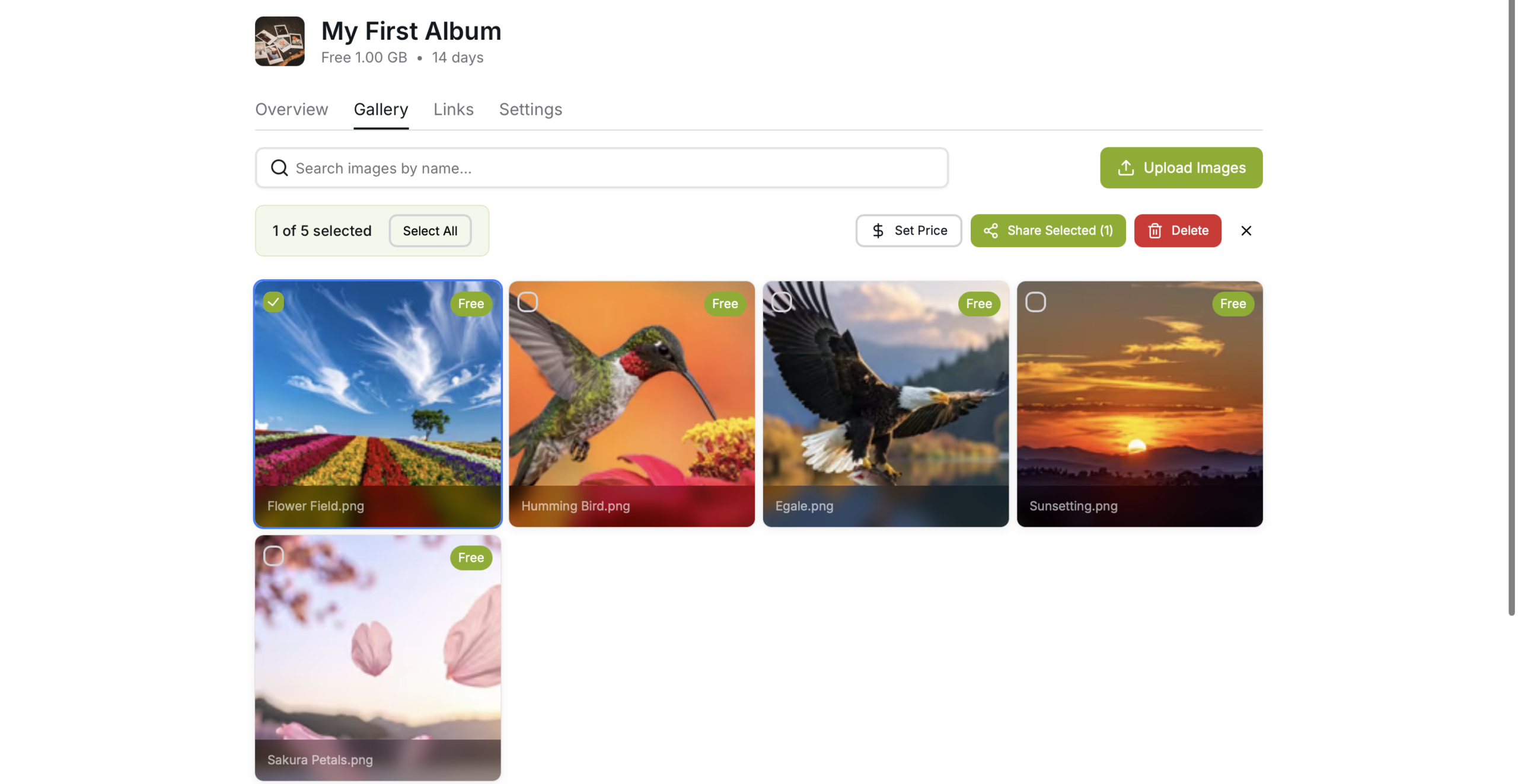
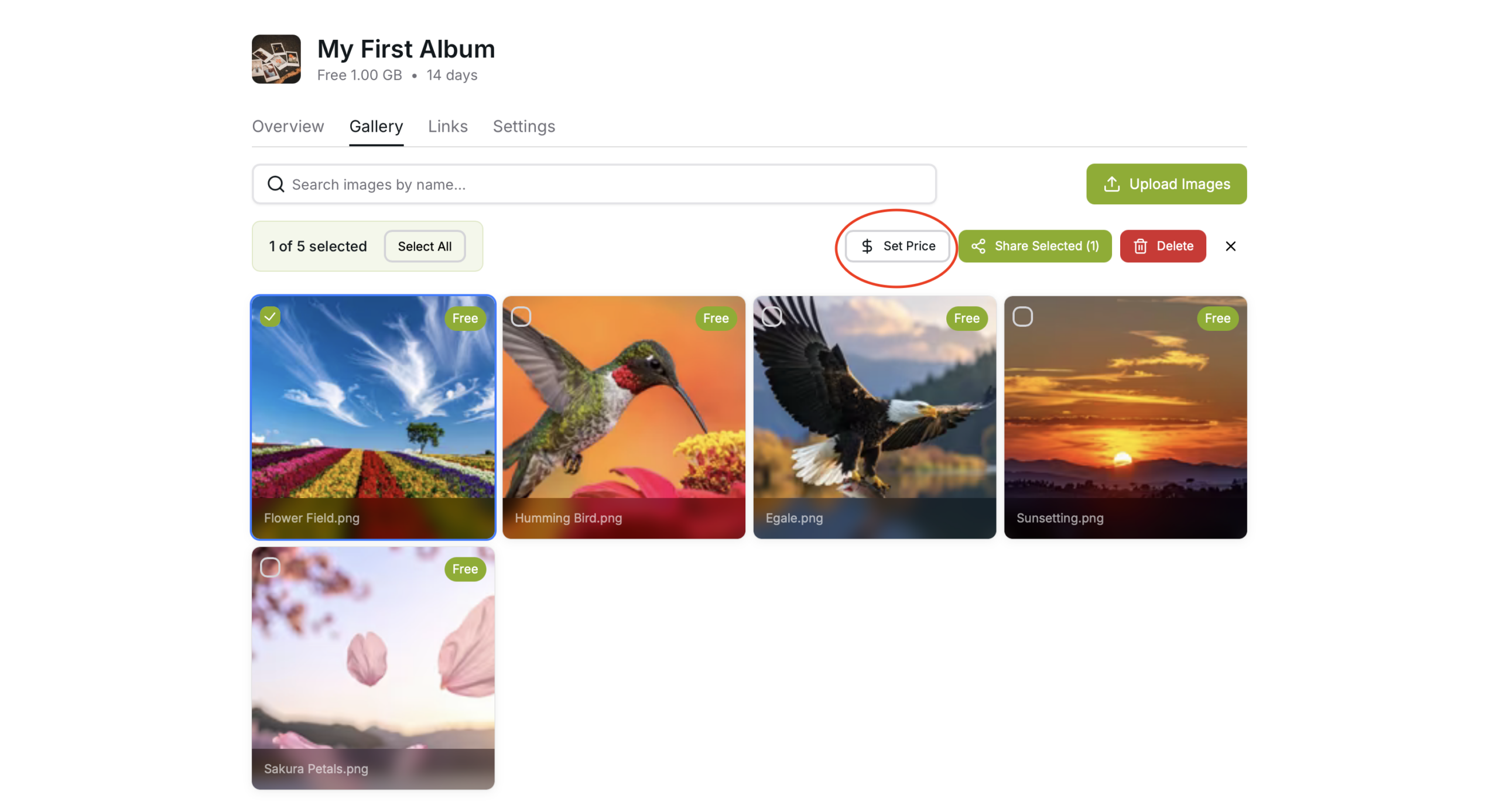
Press the “Set Price” Button to set a price
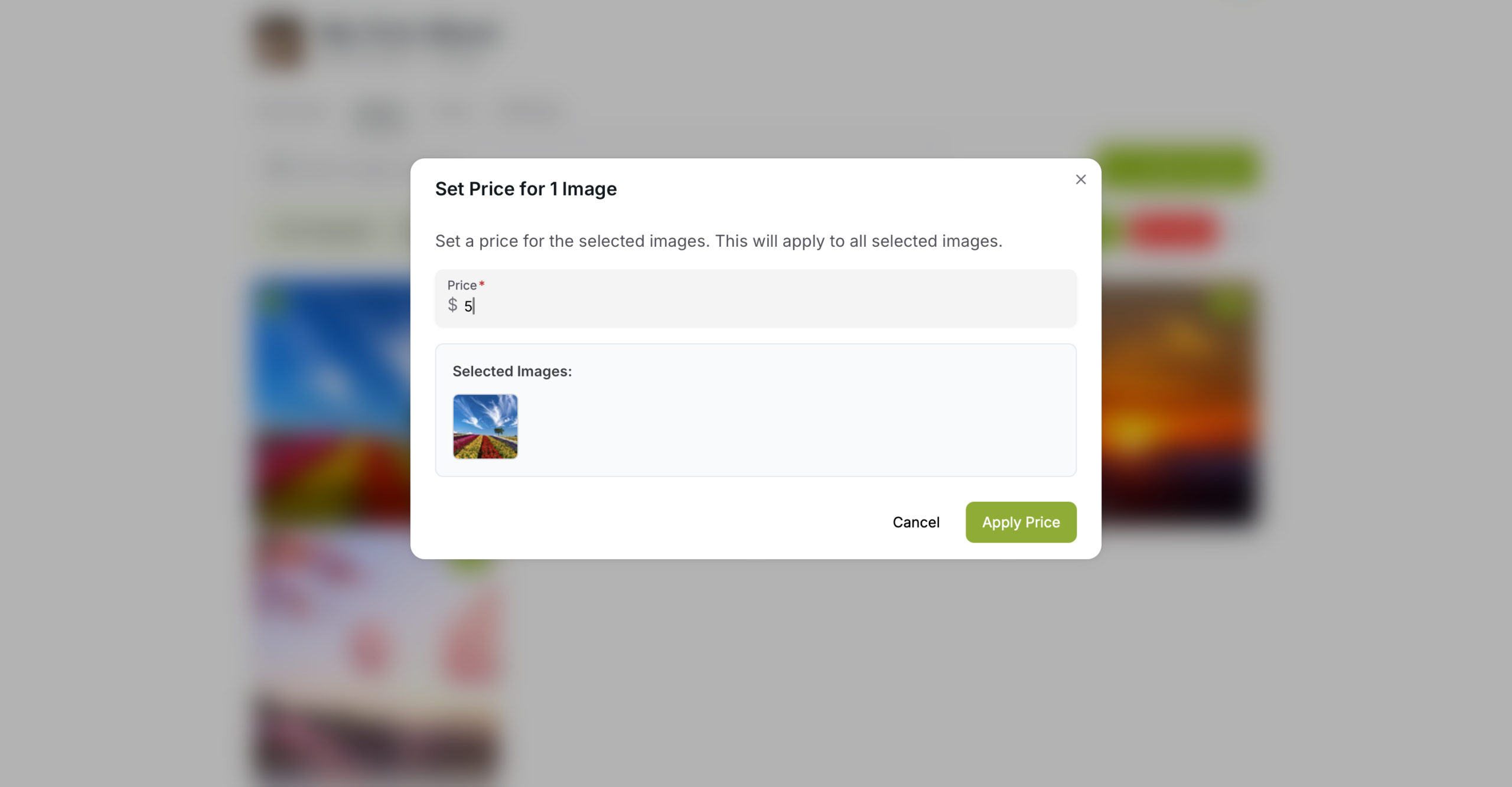
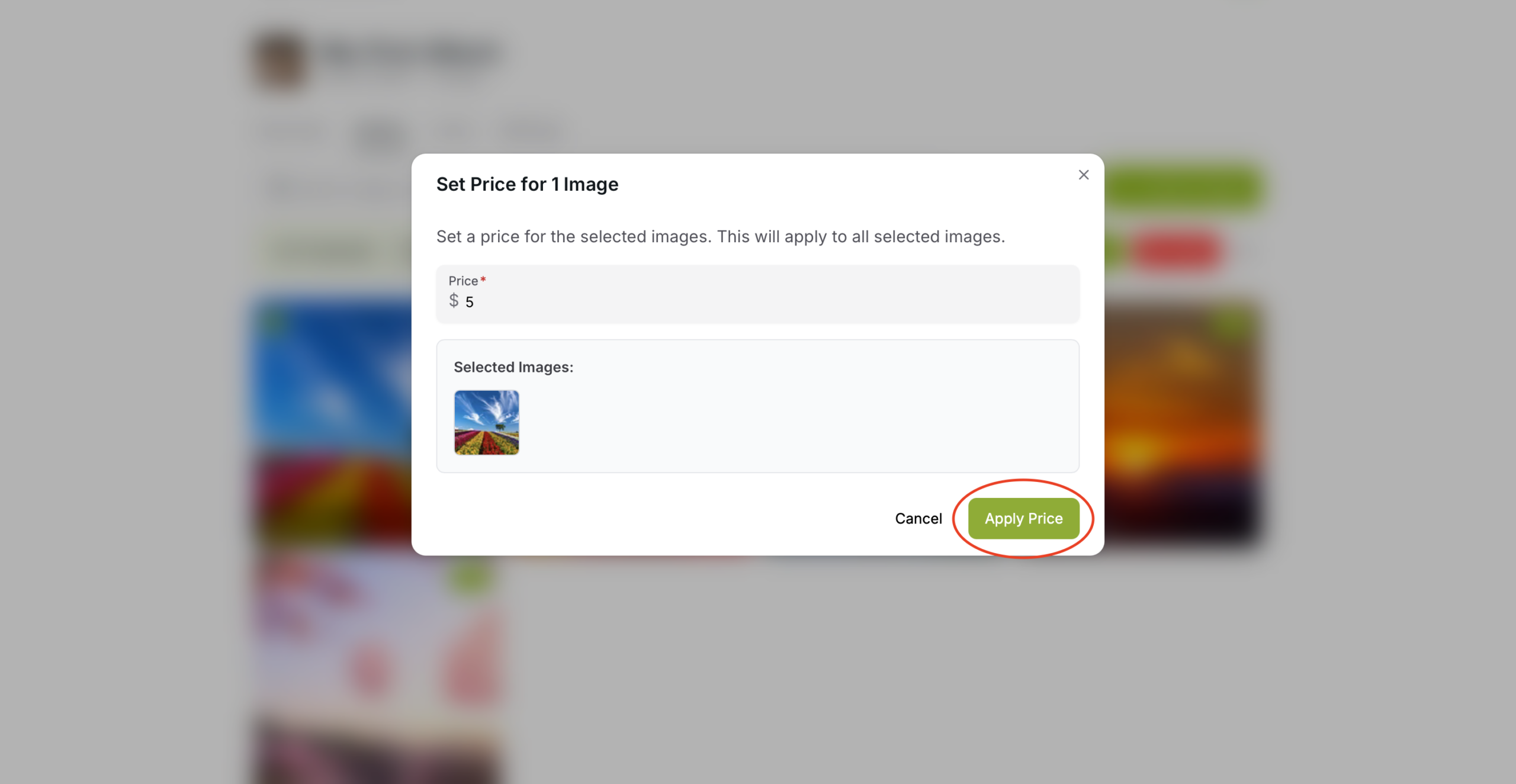
Set whatever price you wish to sell the images for
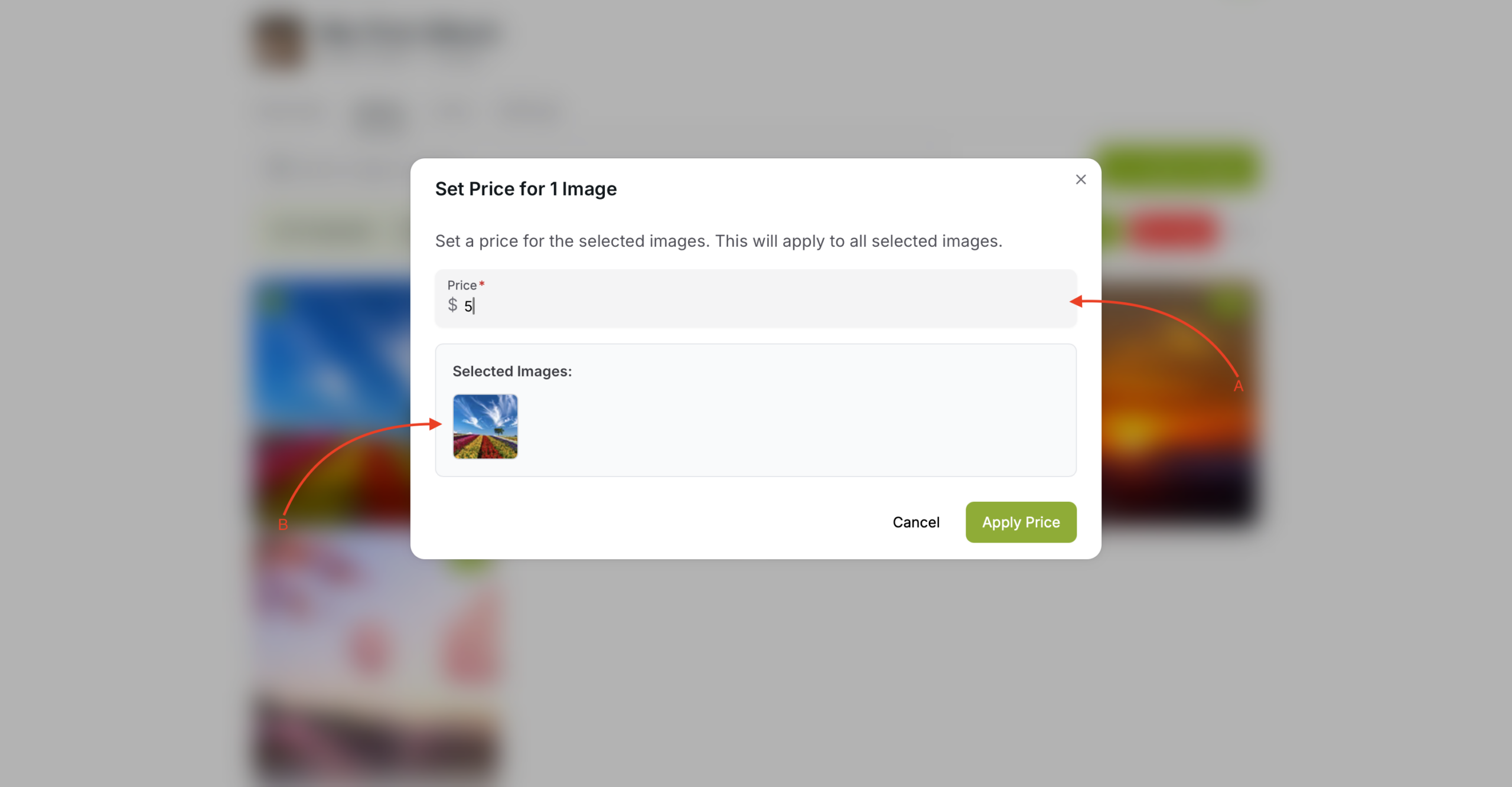
A – The place you set the price
B – This area shows the selected images that you are going to set the prices for
When you are ready press the “Apply Price” button to apply the price to selected images
After applying the price you will see the price next to your image